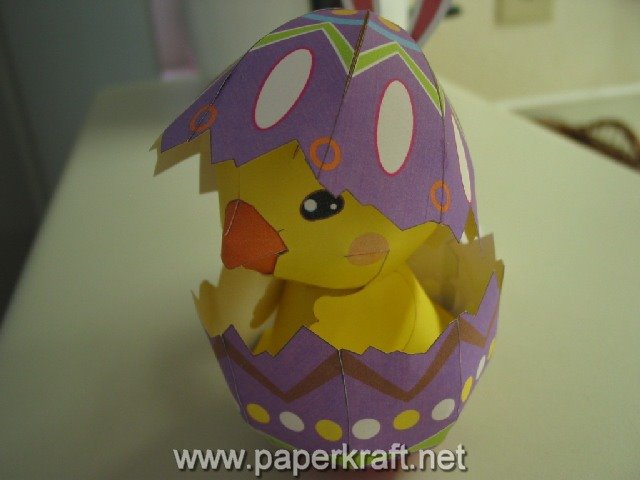
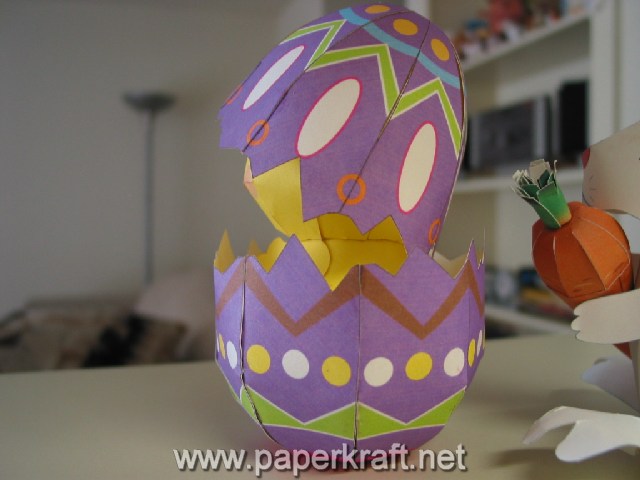
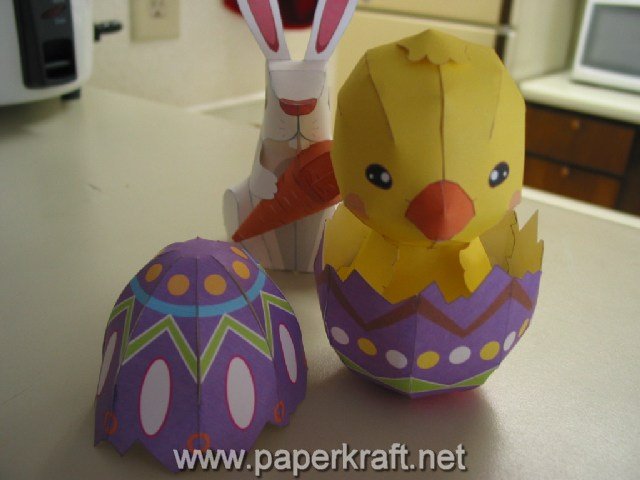
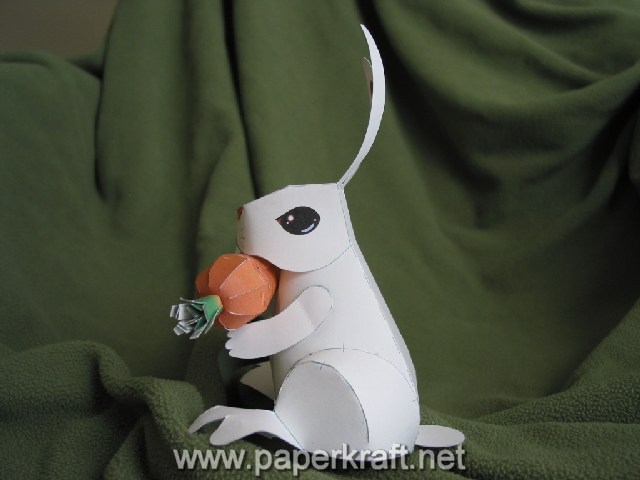
Another famous easter symbol is the Easter Egg, they are specially decorated eggs given out to celebrate Easter holiday. Next to the Easter Bunny, the Easter Egg is well known worldwide. The old tradition used dyed or painted chicken eggs, now they used eggs shaped out of chocolate or plastic eggs filled with candies. Once again, this paper model is from Epson Hong Kong and designed by Chan See Lik Paul. This cute Easter Egg paper model is in PDF format and is about 820KB. Chicken Little's cousin is included :)
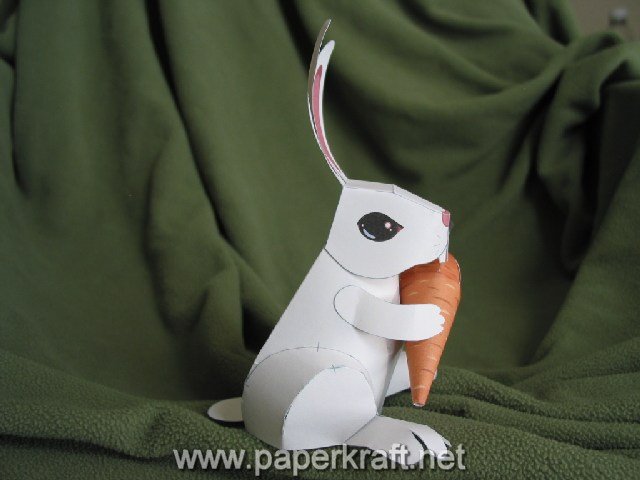
Easter is the time of springtime festivals, Christians celebrate the life and resurrection of their savior Jesus Christ, and for everybody else it's a time for chocolate covered bunnies, marshmallow chicks, and lots of colorful eggs. The easter bunny is one of the best known easter symbols, so here is a paper model of an easter bunny from Epson Hong Kong, designed by Chan See Lik Paul. The paper model is in PDF format and is about 5.56MB.
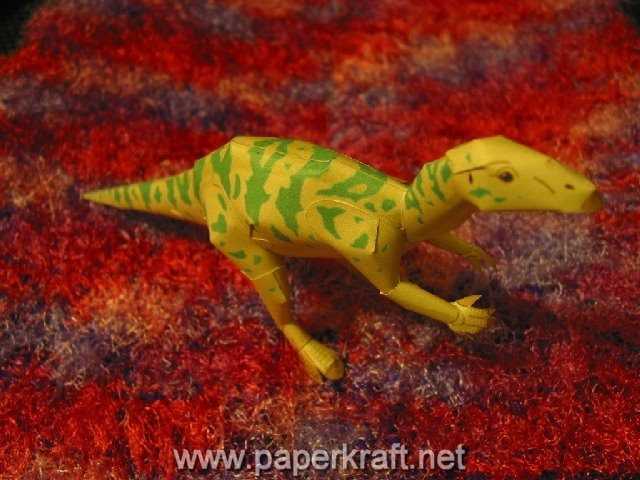
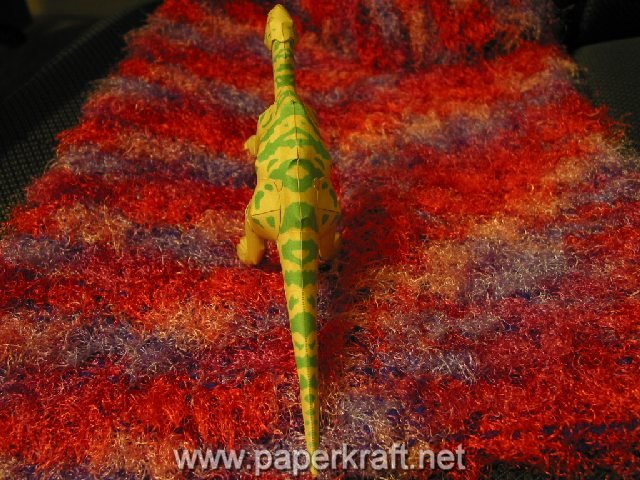
The Fukui(Japan) prefecture web site fukuioyado.com is providing this free paper model of an iguanodon in relation to finding dinosaur fossils in one of their cities (Katsuyama). This paper model is in PDF format and comes with a pattern (527KB) and instructions (1.2MB).
I just saw a unique thing on TV today, it's the commercial of the 2006 Mitsubishi Endeavor that features origami, with trees, a dragon, and deers. It's similar to the United Airlines "Dragon" commercial during Super Bowl 2006 which also had paper as the star. This video is hosted and brought to you by the Mitsubishi Motors company, it is available thru their website:
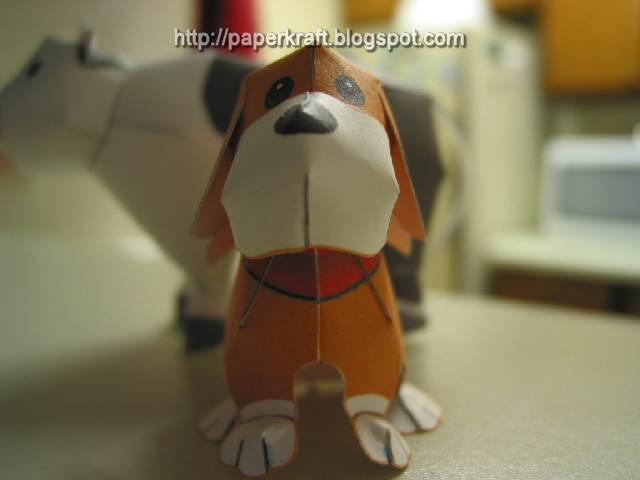
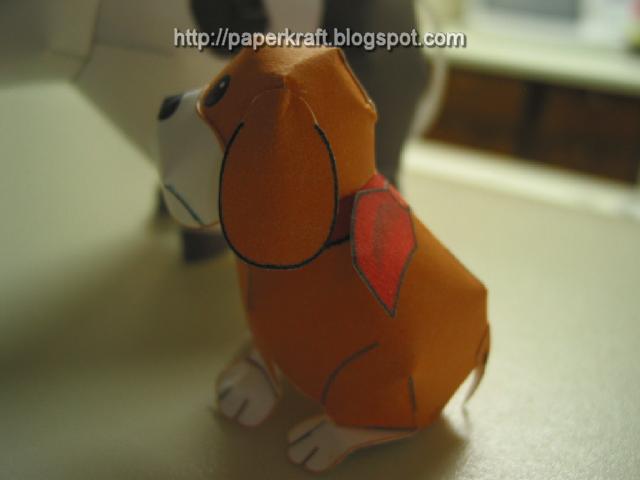
This is the second part from bokumono.com, it is a basic paper model of a farm dog. Again this is from the Harvest Moon Series of video games and was created by Keicraft. You can look here for the first part of this paper model series (which was a cow). The paper model layout is in PDF format and comes with instructions.
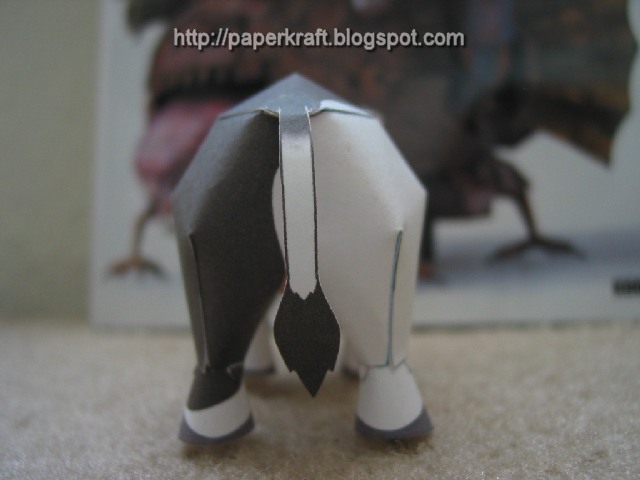
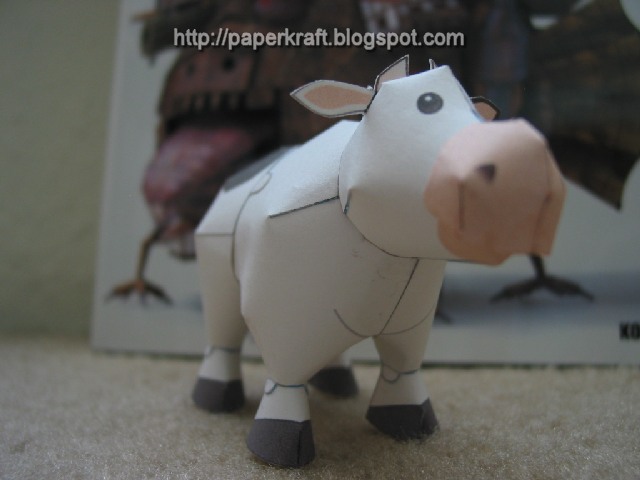
We've got a new cute paper model of an "ushi" (Japanese for cow) from bokumono.com, this is the site of a very popular "farming" video game in Japan known here in the US as Harvest Moon. For those not familiar with this game, it is a simulation of how to run a farm, from breeding cows to planting crops and everything in between. For more information about the game check out the links below. This paper model is in PDF format and is pretty basic so beginners would have an easy time building it, once again this was created by the very skilled people at Keicraft.
Site Address: paperkraft.blogspot.com (Paperkraft.net) Google PageRank: 5 Alexa Traffic Rank: 68,749lower is better for both Alexa and Technorati Ranking Technorati Ranking: 47,572
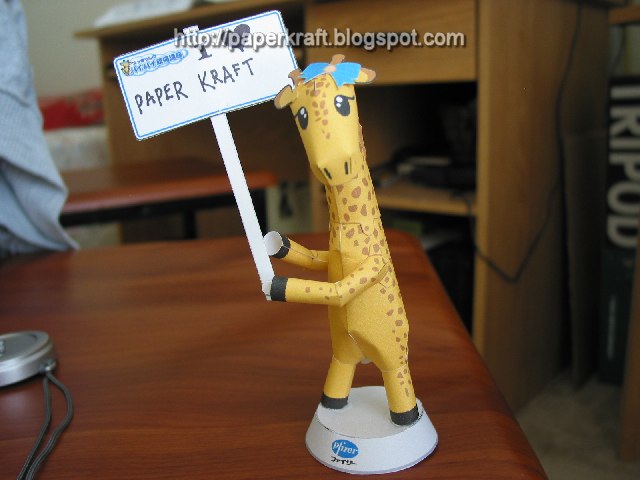
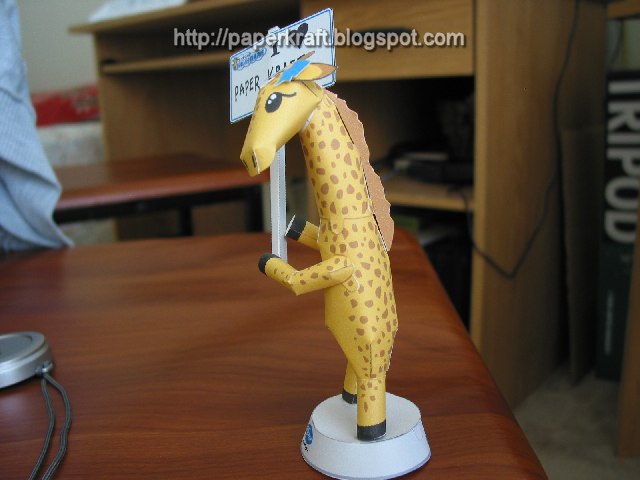
Sukkirin.com has a cute giraffe paper model, the giraffe is holding a blank placard which you can sign with whatever you like as long as it fits within. It comes with a circular shaped based which it needs to stand on. This is good for displaying messages on your desktop at work or home. Once again, this beautiful model was designed and developed by KeiCraft.
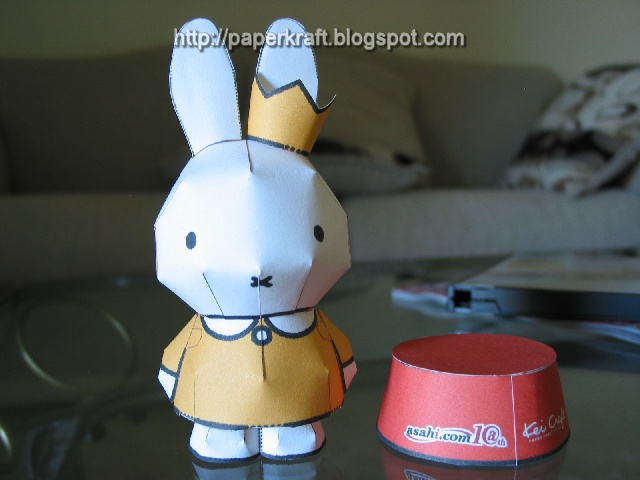
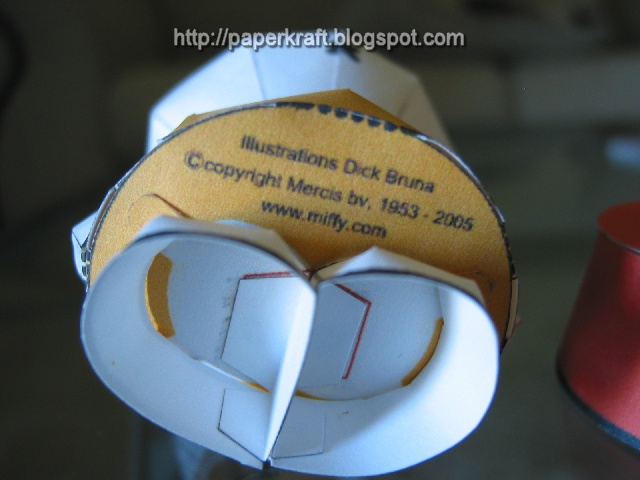
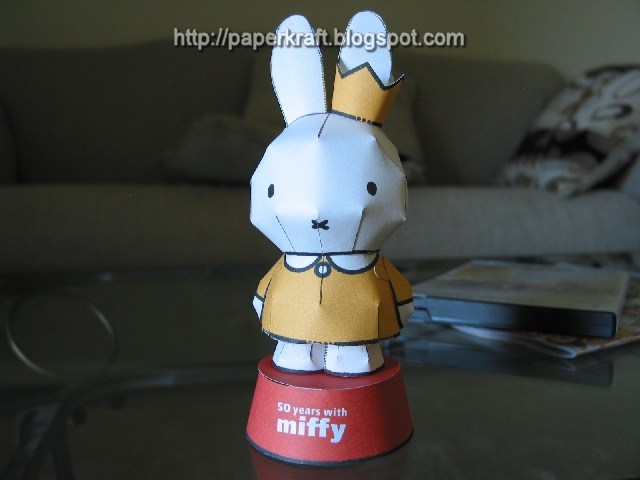
Here is another cute paper model creation by Kei Kraft, this was commisioned by Asahi.com in recognition of Miffy, the loveable little white bunny created by Dick Bruna, one of the most famous creators of picture books in the world. Miffy is a very popular character in Japan, and if you have not noticed it by now, Japan likes cute and cuddly animal characters.
Today we have a beautiful paper model of a dog from Asahi.com, Asahi Shimbun is one of the oldest and largest national leading newspaper in Japan having 8.27 million in their morning circulation and about 3.85 million for its evening edition. They print paper models on their newspapers from time to time or on special occassions. Here you could see they have commisioned a very nice paper model of a dog from Kei Craft.
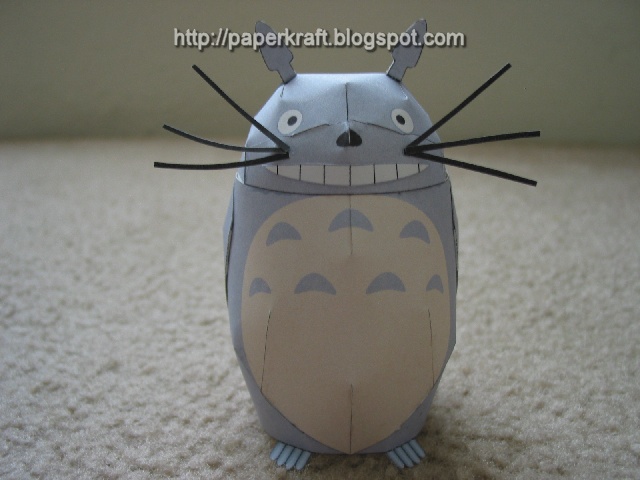
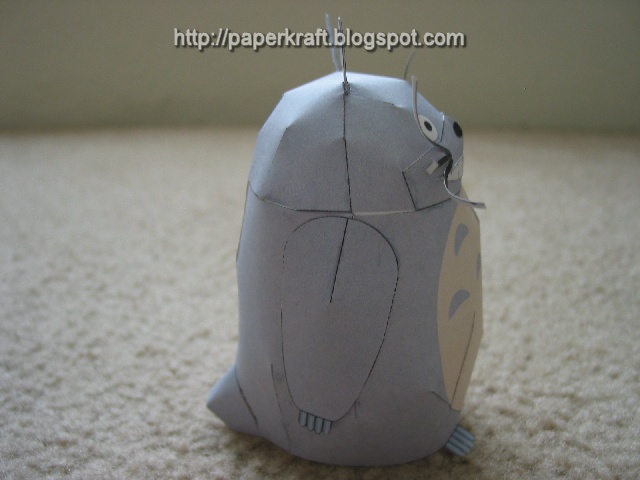
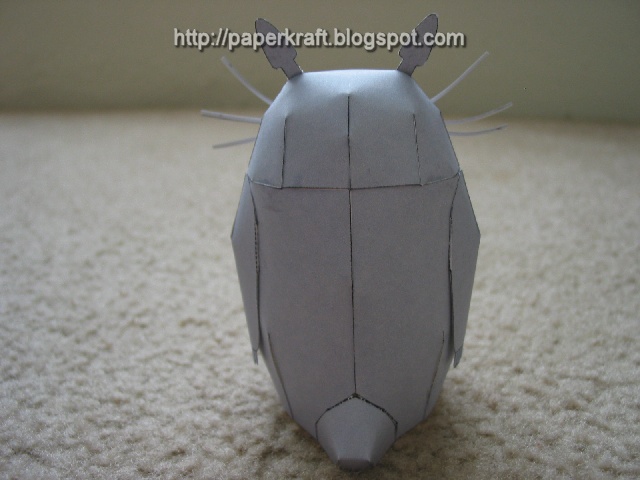
Totoro is the big cuddly star of Japanese animation film Tonari no Totoro, which was released in the U.S.A as My Neighbor Totoro. Studio Ghibli fans, you know what this is. For those of you who don't have any clue, I highly suggest you watch My Neighbor Totoro or any other Ghibli film for that matter. Other titles include Howl's Moving Castle and my favorite, Spirited Away. This paper model is hosted by Mokumoku.
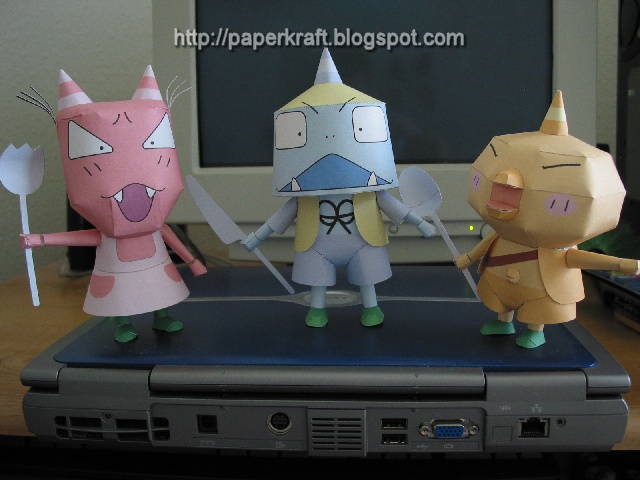
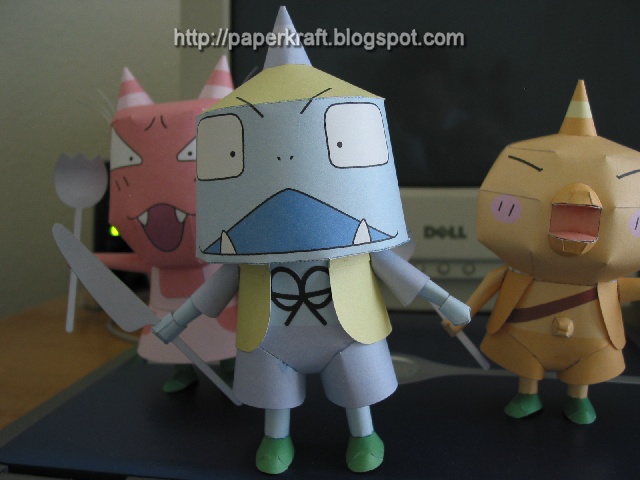
Here's a set of three (3) Japanese cartoon paper model from Mokumoku, each of the characters are holding a different kind of utensil. They're quite easy to assemble and makes a fun decoration for your kitchen or dining room. They are hosted and created by Mokumoku.
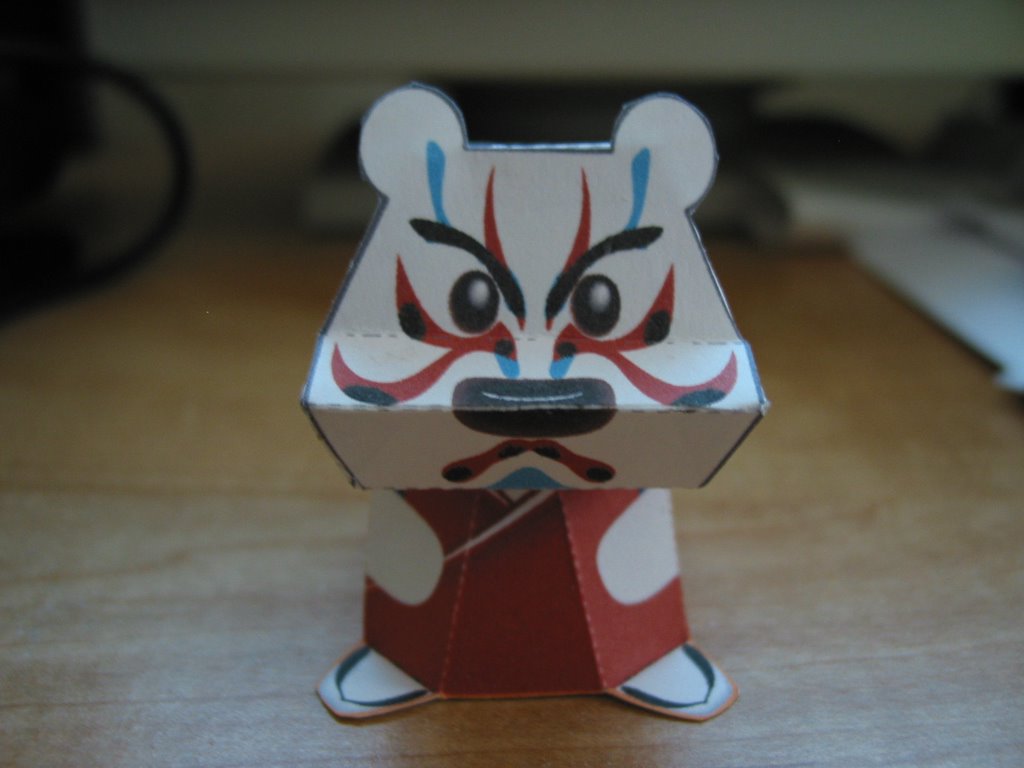
I just finished doing a beginners video that demonstrates how paper models are done. This was shot with a web cam so pardon the quality. The original video was 1.4GB, then I compressed it to 64MB, and then another, that ended up at 19.4MB using the Xvid codec. That's the smallest size I can encode the video without compromising the quality too much. The paper model I used in this demo is the Kabuki Bear by Moichi.
On the following days and weeks to come, I will also do instructional videos on other paper crafts and origami, so just stay tuned for that.
Before I begin explaining this video, please note that all of this notes are based on my personal experiences and that technique varies from person to person.
Part 1 - Cutting - This is really the simplest part but you should also be careful at the same time, try to look at the entirety of the model before you start cutting, note that I did not use the cutter for this project, In my experience in paper crafting I have seldomly used the cutter for cutting the outlines of the models, I mainly used narrow tip scissors for all of this. I do however use the cutters if there is something to be remove or cut from inside of the paper model and for very minute detailing. Once you have cut the paper models, its time to move on to. . .
Part 2 - Folding and Creasing - This part can either be really easy or really difficult depending on the paper model, there are three techniques that you should be familiar with when doing paper crafts, the mountain fold, valley fold, and tubulars. ( I will be doing a demo on this in my next video). When folding you should learn to use your power of observation and visualize at the same time to enable you to easily determine which part goes together.
Part 3 - Gluing and Assembling - After you've folded and creased the parts this is where visualization comes handy, once you've figured out how to put them together, start putting a small amount of glue on the glue tab. The best to determine if you've put the right amount of glue is when you press the glued surfaces and no glue comes out. After you've glued and assembled them together, relax, pat yourself in the back and enjoy your new paper craft model.
Tip: If your hand starts sweating, make sure you dry them real well before continuing, you don't want to smear the ink on your paper model.
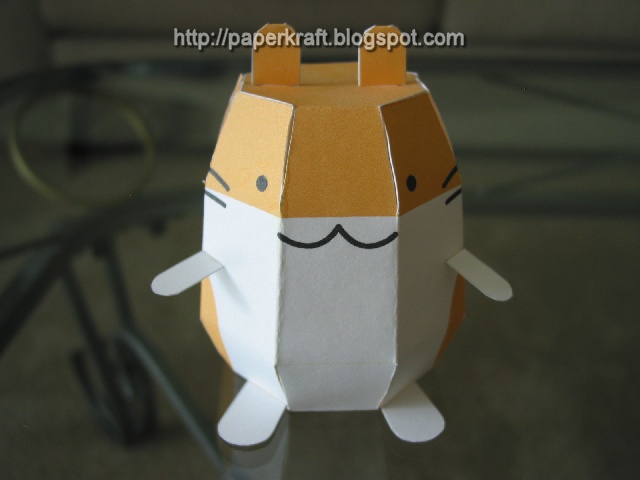
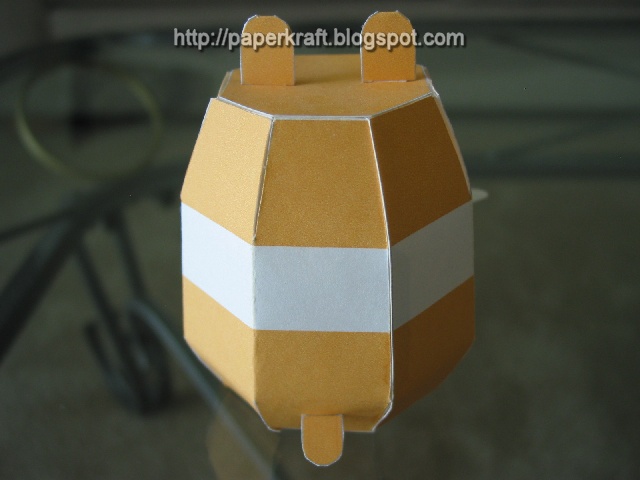
I've received quite a few emails regarding my first post - Tetsujin 28, that beginners are finding it very hard to complete. Well, starting today I'm going to try and post both beginners and advance paper models alike. Here's a cute paper craft hamster from Yo & Motoko's Home Page. This is a very basic model, so beginners would fine this very helpful.